


Mesh WiFi or an extender: which one actually fixes your dead spot?
Before you spend a penny on hardware, work out what kind of problem you actually have. One room with a stubbornly weak signal is a different fix to patchy coverage everywhere in the house, and mesh wifi and a simple extender solve those two problems very differently.
Get this wrong and you either overspend on a whole home system you didn’t need, or underspend on a plug in gadget that never quite fixes the room you bought it for.
What’s the difference between an extender and mesh WiFi?
A plug in extender picks up your existing signal and rebroadcasts it, usually under its own separate network name. Your phone or laptop has to switch between your main router and the extender as you move around, which is the single most annoying thing about them. Some extenders let you set the same network name as your router, which helps, though handover is still less smooth than mesh.
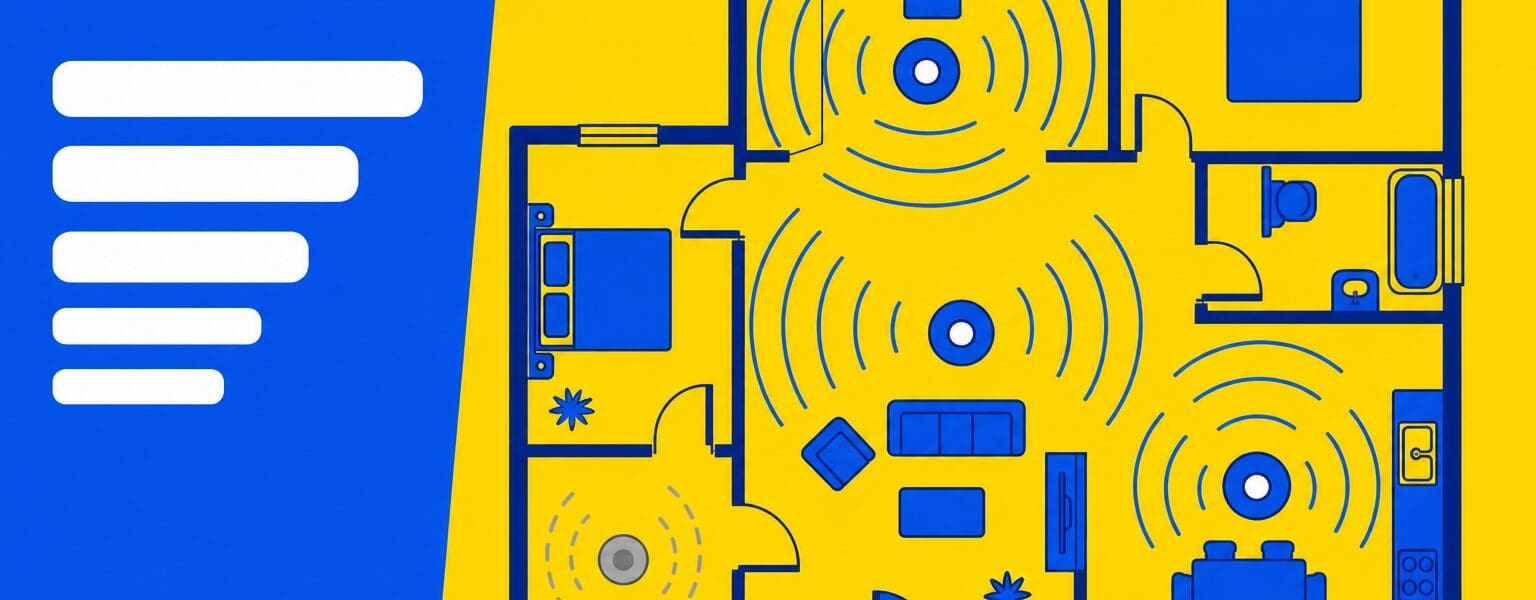
Mesh wifi works differently. A main unit and one or more satellite points share a single network name and password, and your devices hop between them automatically as you move through the house. There’s no separate network to remember or switch to.
Is mesh WiFi overkill for one dead room?
If the rest of your home has decent signal and only one room, an extension, or a shed struggles, a single extender is usually the cheaper, simpler fix. There’s little point buying a full mesh kit for a problem a plug in device can solve on its own.
Mesh wifi earns its higher price when the weak signal isn’t confined to one spot, when you’ve got a larger or oddly shaped house, or when several people are trying to work, stream and game at once without the network falling over.
What does it cost?
A decent two or three piece mesh kit for a typical UK thre bedroom house tends to run from around £150 to £500, depending on the WiFi standard and how many satellite units you need. WiFi 6 kits sit at the more affordable end, with WiFi 7 kits pricier but not yet essential for most homes.
Compare that against a single extender at roughly £30 to £70, and the decision usually comes down to how widespread your actual problem is, not which product sounds more impressive on the box. Prices move constantly, so check current retail rather than budgeting from these.
Signs you actually have a coverage problem
A genuine coverage problem shows up as a signal that drops or disappears in specific spots, while a speed test taken right next to the router still looks fine.
Walk around your home with a speed test app open and note where the numbers fall off a cliff. That short exercise tells you more about whether you need mesh wifi, a single extender, or neither, than any amount of reading about the technology.
If the speed is bad everywhere, buy nothing yet
This is the important one. If your speed is poor even standing next to the router, the problem is upstream of your WiFi, and no amount of mesh hardware will fix it. You would be spending £150 or more to rebroadcast a bad connection more evenly around the house.
You also have a right here that most people never use. Under Ofcom’s broadband speeds code of practice, your provider has to give you a personalised minimum guaranteed speed. If your actual speed falls below it and the fault is on their network, they have 30 days to fix it. If they can’t, you can leave the contract without an early exit fee, and that covers bundled services too.
Nine providers have signed up: BT, EE, NOW Broadband, Plusnet, Sky, TalkTalk, Utility Warehouse, Virgin Media and Zen Internet. Note the code measures speed during peak hours, defined as 8pm to 10pm for home services, so test then rather than at breakfast when the line is quiet. Our guide on what broadband speed you actually need covers what to compare your results against.
Before you buy anything, check the basics
Router placement causes more dead spots than people realise. A router shoved in a cupboard, behind a TV, or on the floor loses signal strength it never needed to lose. Moving it to a central, open spot sometimes fixes the problem for free.
Our guide on router overheating and slow signal checks covers the basics worth ruling out first, and our piece on whether WiFi 7 is worth it is useful if you’re weighing a full router upgrade instead of add on hardware.
Key takeaways
- One weak room usually just needs a cheap extender, not mesh wifi.
- Mesh wifi suits whole home coverage problems and larger or oddly shaped houses.
- A typical mesh kit for a UK three bed home is around £150 to £500; an extender is roughly £30 to £70.
- Check router placement first. It sometimes fixes the problem for free.
- If speed is poor next to the router, buy nothing. Check your minimum guaranteed speed instead, and hold the provider to the 30 day fix or a penalty free exit.
Frequently asked questions about mesh WiFi and extenders
- Will mesh WiFi slow down my broadband speed?
- A good mesh system loses far less speed than an older extender, since satellite units are designed to maintain a strong backhaul connection to the main unit.
- My speed is bad everywhere. Will mesh fix it?
- No. If the speed is poor next to the router the problem is with the connection coming in, not its distribution. Check your provider’s minimum guaranteed speed, test between 8pm and 10pm, and if they cannot fix a network fault within 30 days you can leave without an exit fee.
- Can I mix an extender with mesh WiFi?
- Not usually in a way that works well. It’s better to pick one approach for the affected area rather than layering two systems together.
- Does my broadband provider’s router support mesh WiFi?
- Some do, either natively or with an add on kit from the same provider. Check with your provider before buying a separate third party system.
- How many mesh WiFi units do I actually need?
- Most UK three bedroom homes are covered well with two to three units. Larger or multi floor homes may need an extra satellite point.
- Is WiFi 7 mesh worth the extra cost right now?
- For most households, not yet. WiFi 6 mesh kits cover typical home needs at a lower price, with WiFi 7 mainly benefiting very high bandwidth, multi device setups.
Work out whether your problem is one room, the whole house, or the line itself before you spend anything. That single decision does more for your WiFi than most of the hardware on the shelf.
Sources
- Ofcom, Broadband speeds code of practice. The minimum guaranteed speed, the 30 day fix window, the penalty free exit right, the 8pm to 10pm peak measurement, and the list of signed up providers.
Checked 25 September 2026. Hardware prices move constantly and are given as a rough guide rather than current retail.


