


Router Placement Matters More Than Most People Think
Most complaints about “slow broadband” aren’t actually about your broadband speed at all, they’re about router placement. The signal reaching your laptop in the back bedroom can be a fraction of what’s arriving at the router itself, and no amount of switching provider fixes a router stuck in the wrong spot.
In a lot of UK homes, that wrong spot is baked in from day one. The engineer runs the line to wherever it’s easiest, often the hallway or understairs cupboard nearest the front door, and the router just stays there because moving it feels like a hassle.
Good router placement doesn’t need new hardware or a call to your provider. It’s a five minute job that most people simply never get around to, mainly because nobody tells them the spot they inherited on installation day was never actually the best one for their home.
Where Should You Actually Put Your Router?
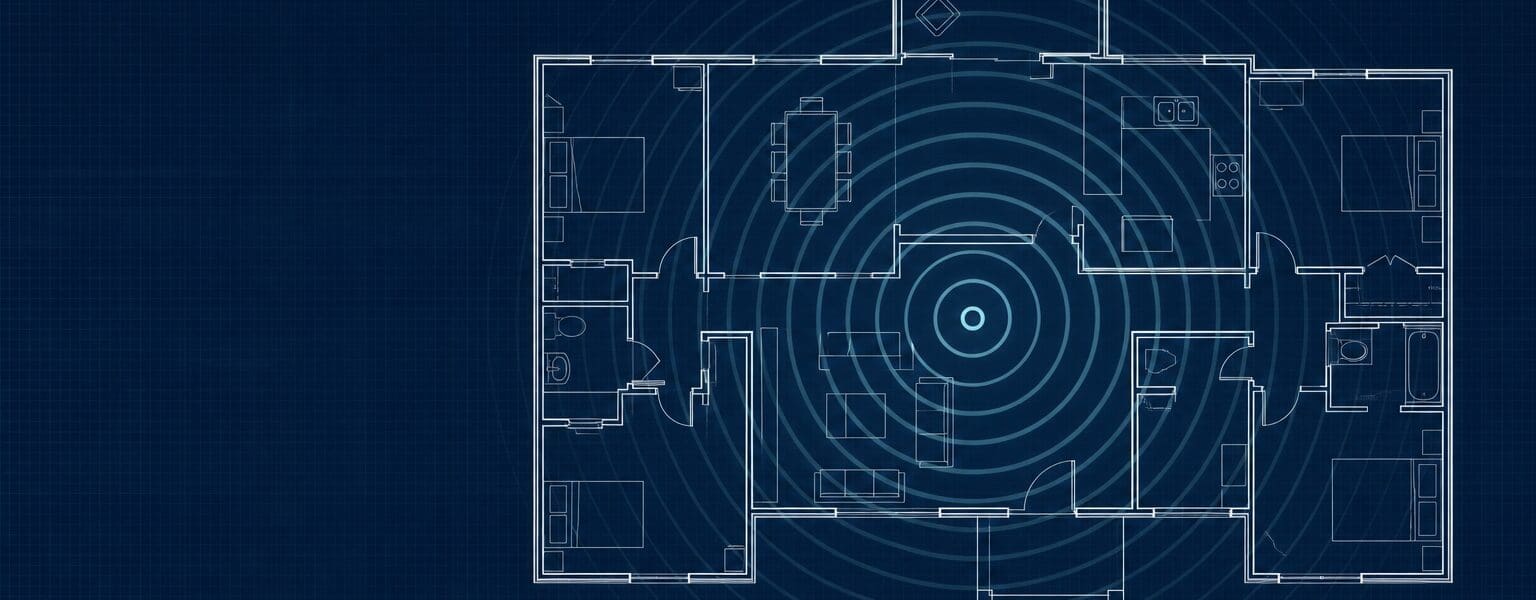
As central to the property as you can manage, off the floor, and away from thick walls or metal objects. A router on a shelf in a hallway roughly in the middle of the house will usually beat the exact same router tucked into a cupboard at one end, even with identical broadband underneath it.
Height helps too. Wifi signal spreads outward and downward from the router, so placing it around waist to shoulder height, rather than on the floor behind furniture, gets more of that signal actually reaching the rooms you use.
If your home is long and narrow rather than square, router placement gets a bit more forgiving. Aim for the centre of whichever rooms you actually use most, rather than the geometric middle of the whole property, since a spare room or garage doesn’t need the same signal as your living room.
What Kills Wifi Signal in a UK Home?
Thick internal walls, especially older brick and plaster rather than stud walls, are the biggest culprit. Metal, including radiators, mirrors and fridge doors, reflects signal rather than letting it through. Fish tanks and anything with a lot of water in it do something similar.
Everyday interference matters more than people expect too. Microwaves, baby monitors and older cordless phones can all clash with the same frequency your router uses, and a neighbour’s router sitting on the same wifi channel as yours will quietly slow both of you down without either household knowing why. Ofcom’s own guidance on improving home wifi covers the same basics in more technical depth if you want to go further.
Quick router placement checklist
- Central to the property, not tucked in a corner cupboard.
- Off the floor, roughly waist to shoulder height.
- Away from thick walls, mirrors, radiators and fish tanks.
- A few metres clear of microwaves and other 2.4GHz devices.
- Antennas upright if they’re external and adjustable.
Does Router Placement Matter More Than Mesh or Extenders?
Usually yes, and it’s the cheaper fix. Buying a mesh system or an extender before trying a better spot for your existing router is a bit like buying a bigger kettle because the tap’s dripping, it might help, but it isn’t addressing the actual problem.
Once your router genuinely is in the best available spot and parts of the house are still patchy, that’s when a mesh setup earns its keep. Our guide to mesh wifi versus range extenders covers which of the two suits a typical UK house shape better.
It’s worth resisting the urge to skip straight to buying kit. Plenty of people spend £100 or more on a mesh system to fix a problem that better router placement would have solved for nothing, and end up with two problems layered on top of each other instead of one solved.
Quick Checks Before You Buy Anything
Test your speed standing right next to the router first, then in the room that’s actually giving you trouble. A big gap between those two numbers points to placement or interference rather than your underlying broadband package. A small gap suggests the problem sits further back, with the connection itself, and it’s worth checking that against our guide to average broadband speeds to see if you’re getting roughly what you’re paying for.
If you’ve genuinely maxed out what placement can do and you’re still struggling most in the evenings specifically, that’s a different and fairly common pattern worth reading about separately, since it points to contention on the line rather than anything in your house.
It’s also worth doing this test every so often rather than just once. Furniture gets rearranged, new appliances get bought, and a spot that worked well for router placement a year ago can quietly stop being the best option without anyone noticing until the wifi starts dropping out again.
Frequently asked questions about router placement
- Does router placement actually make a measurable difference?
- Yes. Moving a router from a cupboard to an open, central spot can noticeably improve signal in rooms that were previously struggling, often without spending anything.
- Should I put my router on the floor or up high?
- Up high where possible. Around waist to shoulder height on an open shelf works better than the floor or a low cupboard.
- Can my neighbour’s wifi affect mine?
- Yes, if you’re both on the same wireless channel. Most modern routers pick this automatically, but manually switching channels can sometimes help in flats or terraced housing.
- Is 5GHz or 2.4GHz better for router placement?
- 5GHz is faster over short distances but struggles more with walls, while 2.4GHz travels further through a house but at lower speeds. Most routers broadcast both at once.
- Will a new router fix bad placement?
- Rarely on its own. A better router can help at the margins, but a genuinely poor spot in the house tends to limit even the newest hardware.


